ChatGPT 年度总结
在编写新实况图功能和代码块新样式时,我和以往一样实用 ChatGPT 辅助开发。然后有一次在我打开 ChatGPT 页面的时候,它给我推了个“查看你的ChatGPT年度总结”。
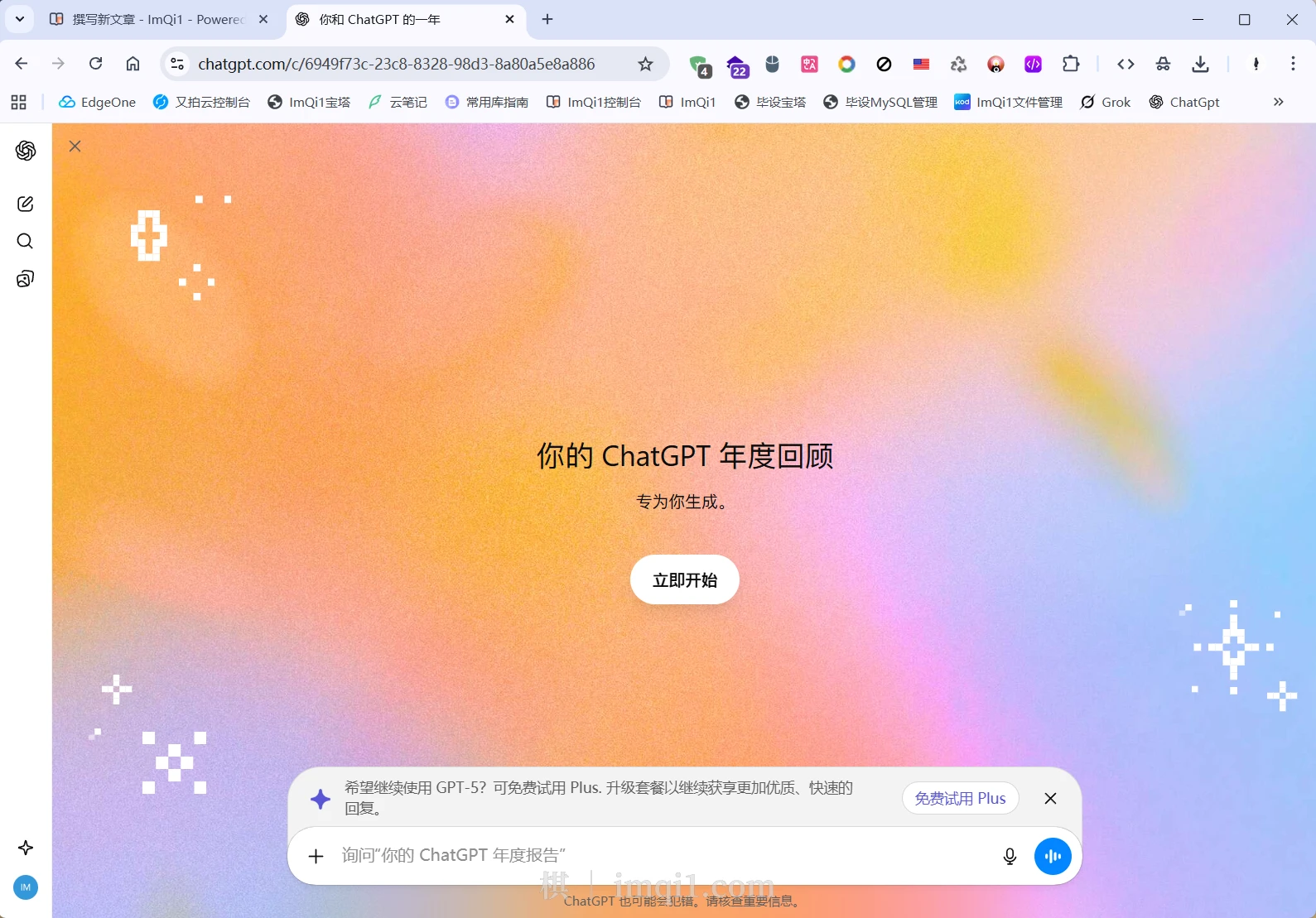
点击开始之后,它就根据我一年中问过的问题生成年度总结。
年度诗篇:
你一年钻研硬件与光,
YOLO识人影亦飞扬。
调试如诗连DLL,
镜头下思路自成章。
你把复杂化为稳与光。
2025 年 3 大亮点:
You spent much of the year refining C/C++ SDK integration into Python, solving DLL path issues, and mastering PyInstaller packaging for hardware drivers.
You developed live‑photo and ID‑photo pipelines, combining YOLO pose detection, lighting checks, and motion extraction to automate photo quality validation.
You strengthened how your apps run in the field—creating Windows services, handling startup recovery, and improving logging for stable long‑term operation.
这一年里,您耗费了大量时间完善C/C++ SDK与Python的集成,解决了动态链接库路径问题,并掌握了用PyInstaller打包硬件驱动程序的技能。
您开发了实时照片和证件照处理流程,融合了YOLO姿态检测、光线检测与动态特征提取技术,实现了照片质量验证的自动化。
您强化了应用程序在实地环境中的运行能力——通过创建Windows服务、处理启动恢复机制以及改进日志系统,确保长期稳定运行。
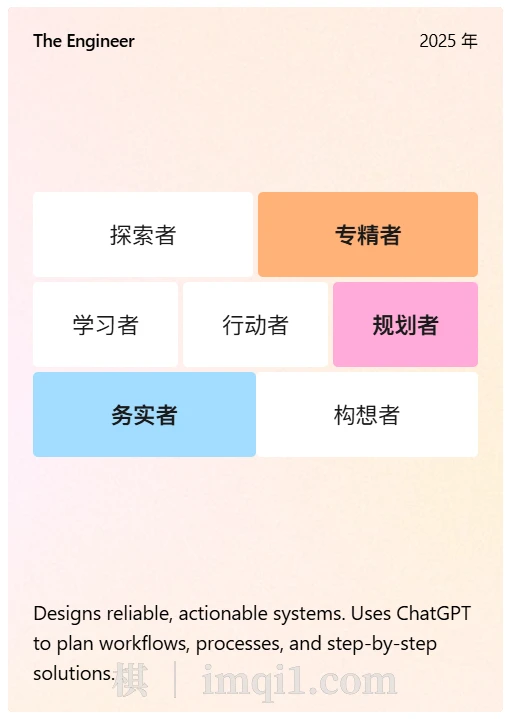
专属奖项
The Debug Whisperer: For somehow coaxing every stubborn DLL, serial port, and YOLO model into obedience—eventually—while narrating the chaos like a tech noir legend.
调试专家:硬生生把每个倔强的 DLL、串口和 YOLO 模型驯服,同时像科技黑色小说里的传奇一样讲述这场混乱。
“Still Life with Circuit Board and Coffee Mug” – ChatGPT, 2025
《带电路板与咖啡杯的静物》——ChatGPT,2025

A programmer’s altar: bash terminal glow, tangled USB cable, pixel cat sticker, and one half‑finished latte—debugging both code and caffeine levels.
程序员的祭坛:Bash 终端的光亮、缠绕的 USB 数据线、像素猫贴纸,以及半杯未喝完的拿铁——在调试代码的同时,也在调试咖啡因水平。
账号处理纠纷
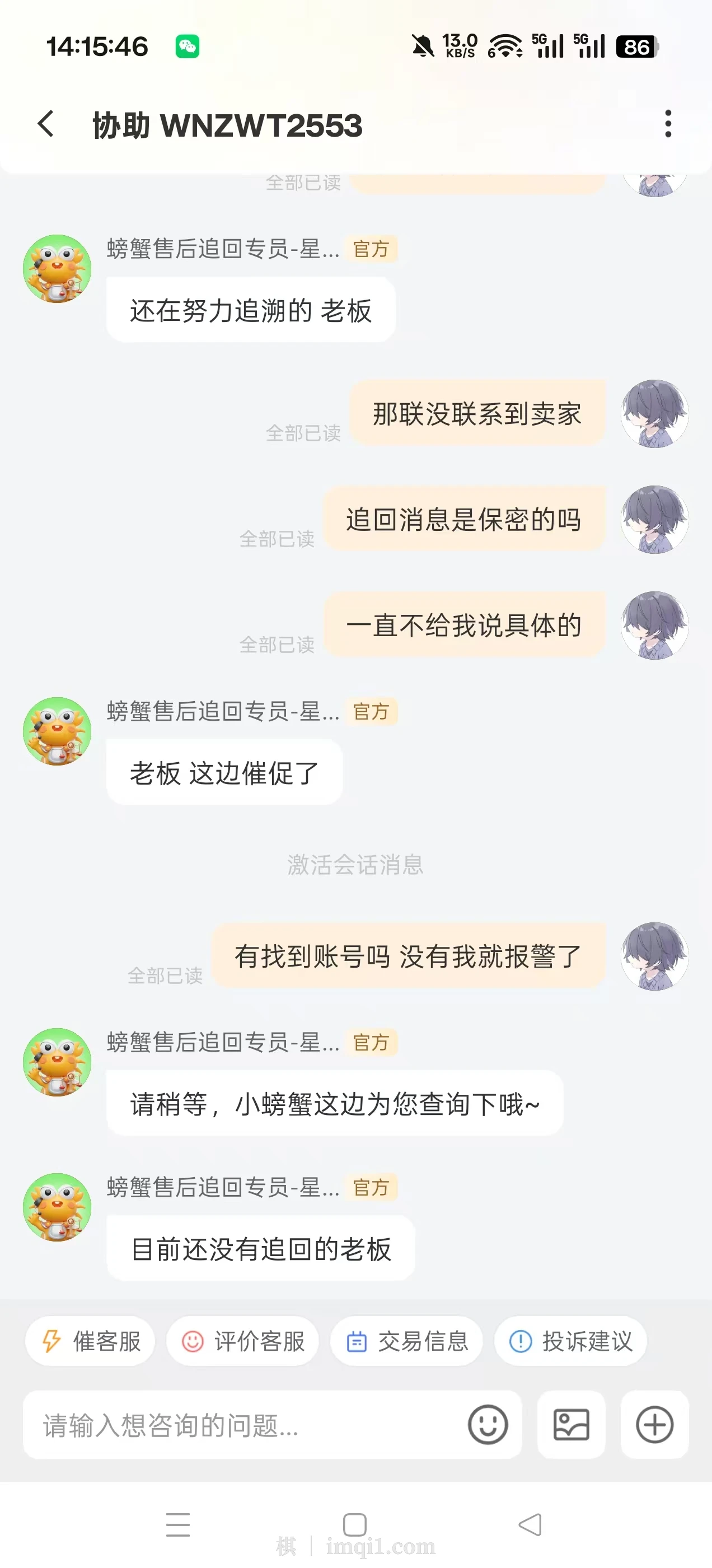
在12月近况,实况照片功能中说过一个极其晦气的事情,现在就是螃蟹还没有找回号,我就先付了 600 块到手钱给盼之,当然螃蟹仍然还没找到号。
从这里知道了,以后买完账号再卖,不要跨平台,否则原平台包赔失效,卖出去的平台发生找回了自己还要担责。
代码块新样式
以前代码块是在右上角展示语言,悬浮在上面时显示复制按钮,现在是显示该编程语言的图标。
import java.util.*;
import java.util.stream.*;

public class Demo {
    public static void main(String[] args) {
        List<String> list = Arrays.asList("apple", "banana", "orange", "avocado");

        Optional<String> result = list.stream()
            .filter(s -> s.startsWith("a"))
            .map(String::toUpperCase)
            .findFirst();

        result.ifPresent(System.out::println);
    }
}
代码块可以显示文件名称,在教程中非常实用,增强了可读性。
type CacheData<T> = { [key: string]: T };

export class Cache<T> {
    private data: CacheData<T> = {};

    set(key: string, value: T) {
        this.data[key] = value;
    }

    get(key: string): T | undefined {
        return this.data[key];
    }
}
import { Cache } from './cache';
const stringCache = new Cache<string>();
stringCache.set("hello", "world");
console.log(stringCache.get("hello"));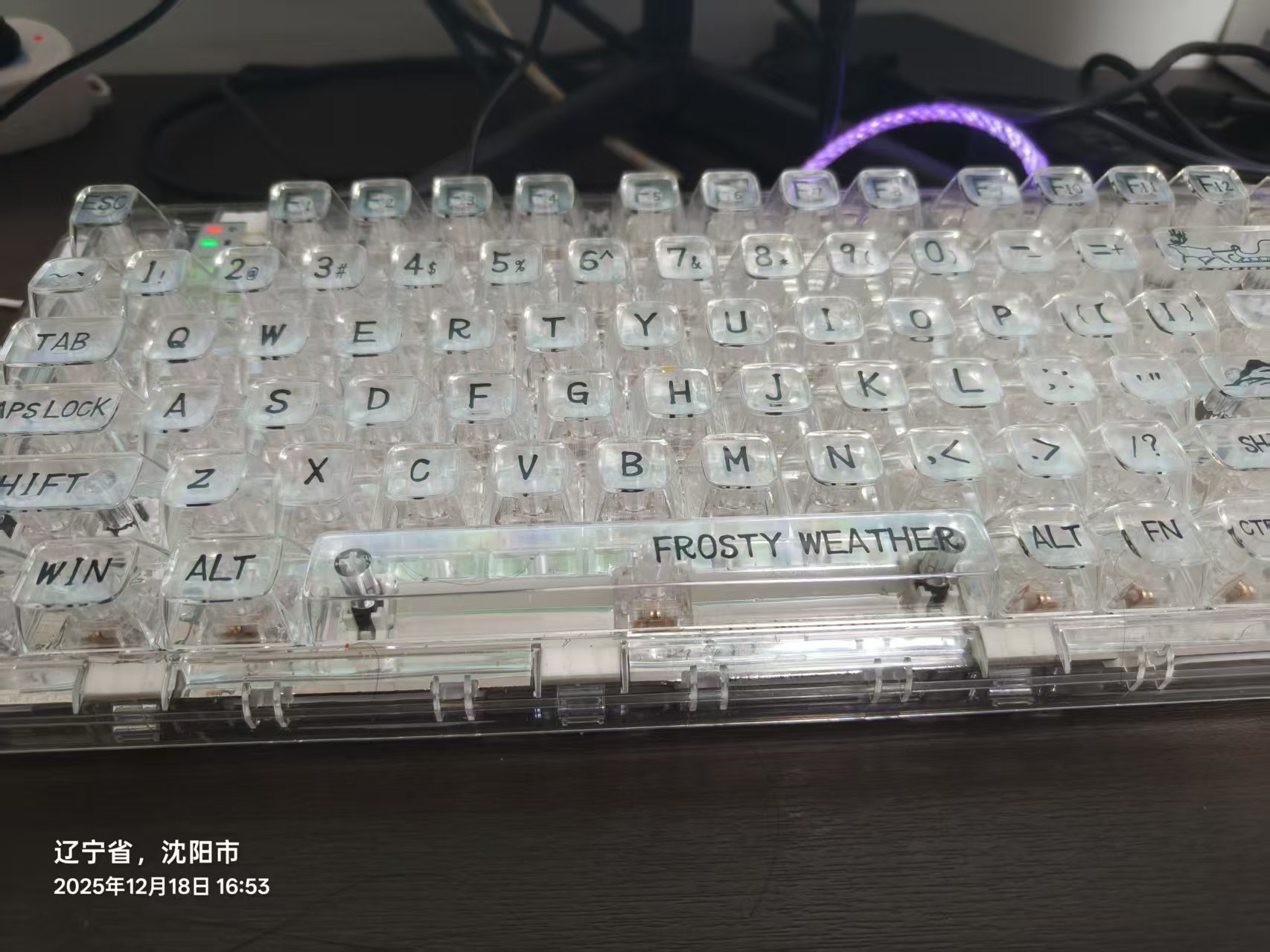


加载评论中...